
7 hidden OneDrive features
In part 1 and part 2 of our series on OneDrive, we talked about what the icons mean and also where your files are stored. In this article, we run through our...
Read more →
Get the most from OneDrive, Part 2
In part 1 we covered the basics of what OneDrive is and what it’s not. I also explained the OneDrive icons on the app and how they show the overall status of...
Read more →
Get the most from OneDrive, part 1
If you have a Microsoft Office 365 online account there is a very high chance that you also have a free OneDrive account with a whopping 1,000GB of storage a...
Read more →
How AI and ChatGPT Can Transform Communication
In an era of rapid digital transformation, businesses are constantly seeking innovative ways to enhance their operations and improve customer experiences. On...
Read more →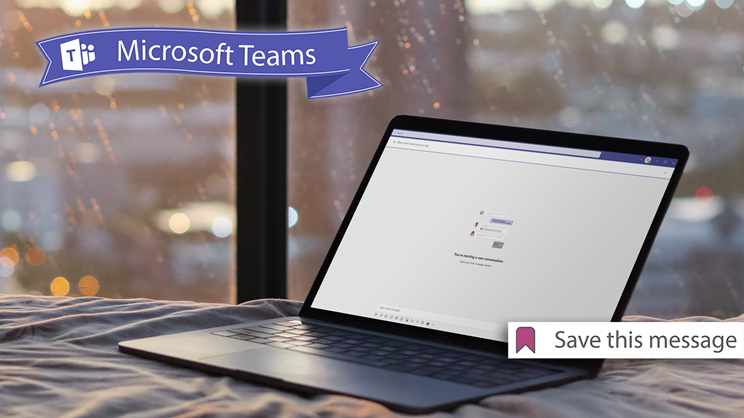
The secret to saving messages on Teams
Have you ever scrolled all the back through a Teams conversation just to find that one message you desperately need? Maybe it’s a time and date to an event,...
Read more →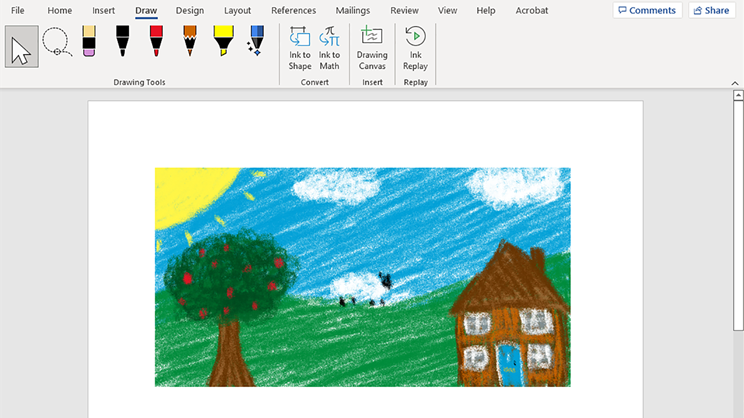
Microsoft’s hidden drawing tool you never knew about
Have you ever printed out a Word document only to scribble over it in a red pen making a bunch of amendments? We haven’t. That’s because we use Microsoft Wor...
Read more →Page 3 of 12